Explore each technique
Blackbox testing — test what it does, not how
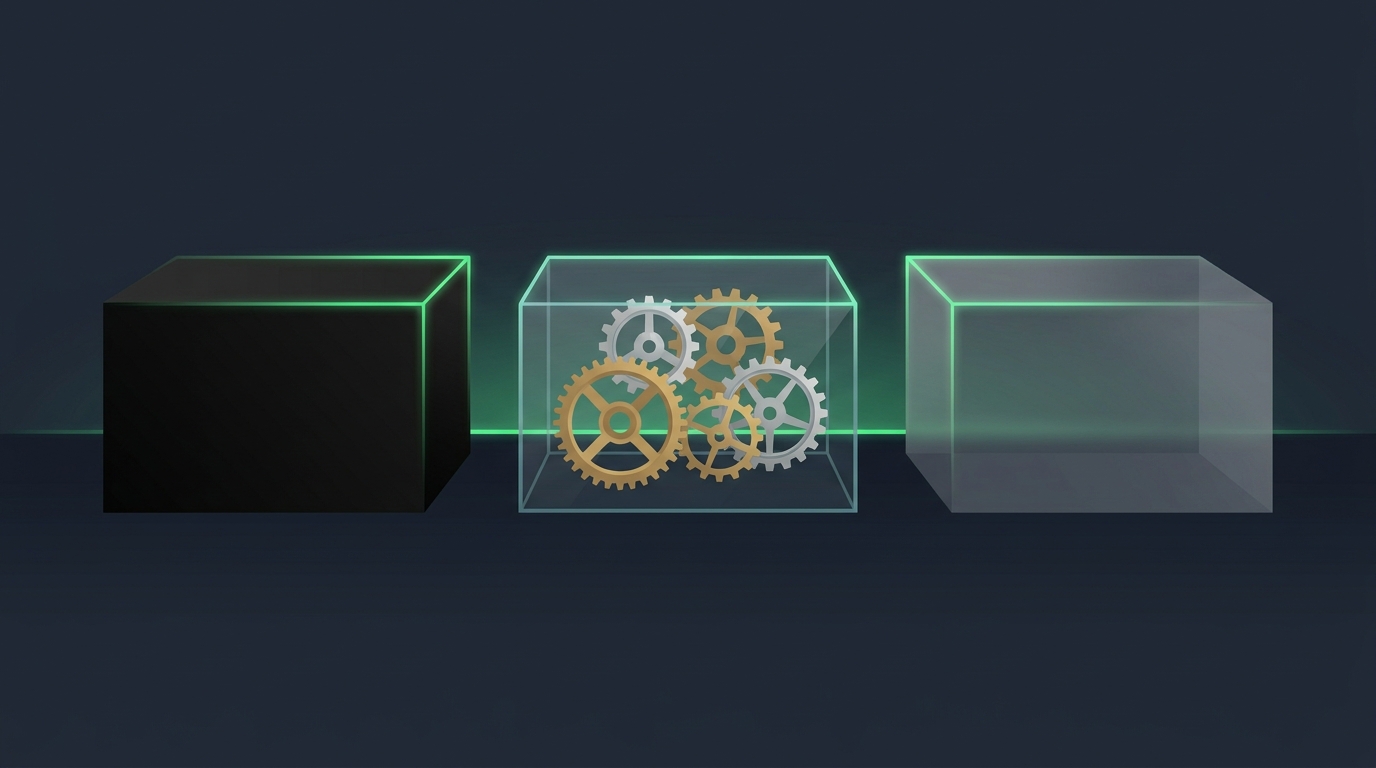
The tester knows nothing about the internal code. The software is a sealed black box: inputs go in, outputs come out, and the only question is whether behavior matches requirements. This is how your users experience the product — which is exactly why it matters.
- Based on requirements and specifications, not source code
- No programming knowledge required — perfect starting point for new testers
- Common methods: equivalence partitioning, boundary value analysis, decision tables
Blackbox tests: 17 (reject), 18 (accept), 60 (accept),
61 (reject), blank (reject), "abc" (reject).
No code was read — only the rule and its edges.
Whitebox testing — test the code itself
The tester has full access to the source code and designs tests from its structure: every branch, loop and path. Usually done by developers or SDETs, often as unit and integration tests.
- Requires programming knowledge and code access
- Goals: statement coverage, branch coverage, path coverage
- Finds hidden logic errors, dead code and unreachable branches
if (total > 100) return 0; // branch A
else return 9.99; // branch B
}
Whitebox tests: total=150 (hits A), total=50 (hits B),
total=100 (the tricky boundary — hits B, is that right?).
Greybox testing — partial knowledge, sharper tests
The middle path: the tester doesn't have full source access but knows the architecture — database schemas, API contracts, system design. That partial insight makes blackbox-style tests far more targeted.
- Tests through the UI or API, informed by internal design docs
- Great for integration, API and security testing
- Typical for QA engineers embedded in a dev team
Greybox test: register via the UI with a 31-character
username. The UI allows it — the insert fails silently.
A pure blackbox tester might never try exactly 31.
Side by side
| Aspect | Blackbox | Whitebox | Greybox |
|---|---|---|---|
| Code knowledge | None | Full | Partial (design/architecture) |
| Who usually does it | Testers, end users | Developers, SDETs | QA engineers |
| Based on | Requirements & specs | Source code structure | Specs + design documents |
| Typical levels | System, acceptance | Unit, integration | Integration, API, security |
| Finds | Missing/wrong functionality | Logic errors, dead code | Integration & data-flow defects |
| Programming needed | No | Yes | Some |
You've completed the path. Go back to the knowledge check and watch your score go green — or start again from Testing Basics to lock it in.