What is automation testing?
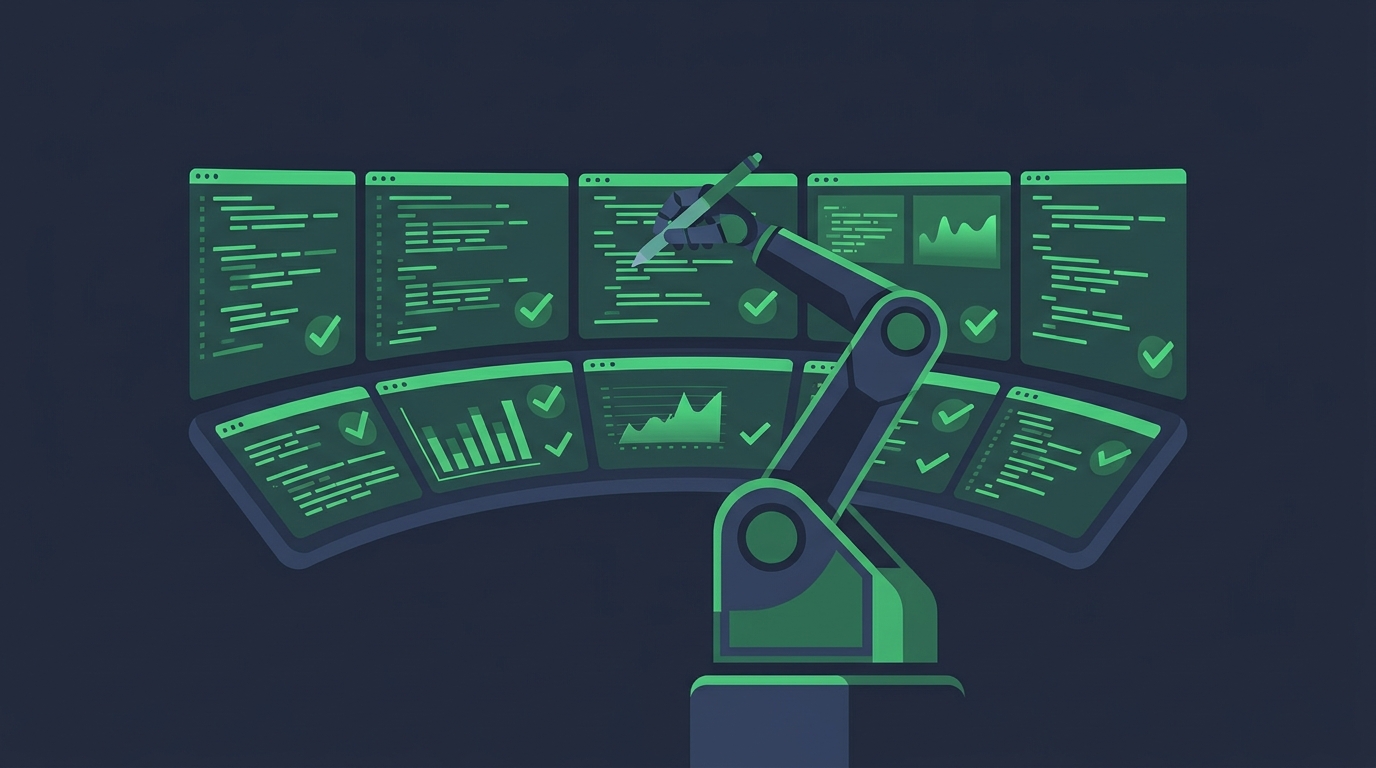
Automation testing means writing scripts (or configuring tools) that execute test steps, compare actual results to expected ones, and report pass/fail — with no human at the keyboard. Once written, a suite can run on every commit, overnight, or across a hundred browser/device combinations at once.
types, verifies each dashboard loads, and finishes in
4 minutes. Manually, that's half a day — every release.
What to automate (and what not to)
- Automate: repetitive regression suites, data-driven checks, API contracts, performance/load, anything run on every build.
- Keep manual: exploratory testing, visual/usability judgement, one-off checks, features still changing daily.
Popular tools you'll hear about: Selenium and Playwright (web UI), Appium (mobile), Postman (API), JUnit/PyTest (unit), JMeter (performance).
Types of automation testing — with examples
Unit testing
Automated checks of the smallest code pieces — single functions or classes — written by developers and run in seconds.
API testing
Testing the service layer directly — requests in, responses out — without touching the UI. Fast and very stable.
UI / functional testing
Scripts that drive the real interface — clicking, typing, asserting what appears — across browsers and devices.
Automated regression
The whole existing suite re-run on every build in CI/CD, catching anything a change silently broke.
Performance / load testing
Simulating hundreds or thousands of users to measure speed, stability and breaking points — impossible manually.
Automated smoke suite
A small, fast script pack that gates every new build: core flows must pass before deeper testing starts.
Manual vs automation — teammates, not rivals
| Aspect | Manual testing | Automation testing |
|---|---|---|
| Best at | Judgement, exploration, usability | Repetition, scale, speed |
| Upfront cost | Low — start immediately | High — scripts and frameworks take time |
| Cost over time | Grows with every repeated cycle | Drops — the suite pays for itself |
| Reliability | Human error possible | Consistent, but only as good as the script |
| Typical use | New features, UX review, UAT | Regression, APIs, performance, CI/CD gates |
Real teams use both: automation guards everything that already works, so humans are free to explore what's new. Next, learn the three perspectives every test is designed from — black, white and grey box.